
What Does Track Every Run Actually Record, and How Accurate Is It?
The question we hear most is what the app really captures on a run or ride. Here is a plain answer on distance, pace and route, and how to read your week.
6 minutes to read
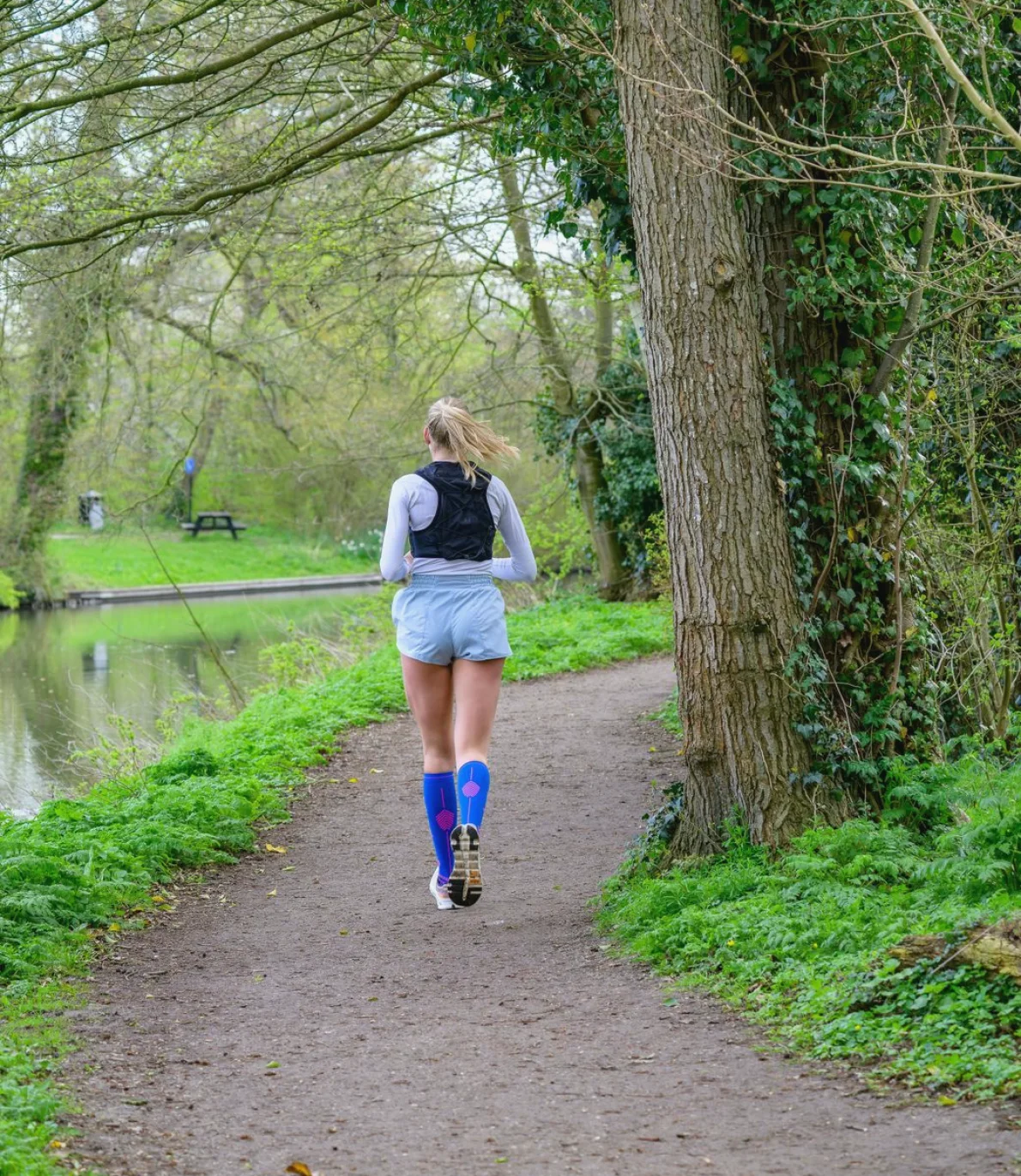
The question we hear most often
When people write to our support team, the same question comes up again and again: what does the app actually record when I press start? It sounds simple, but behind it sits a worry that many new runners share. They want to know whether the numbers on the screen can be trusted, and whether the app will count a slow jog in the same way it counts a fast one.
I am Ananya, and I look after the training content, so I sit close to these conversations. In these weeks, with cooler mornings arriving in many Indian cities, more readers are heading out for the first time in months. That is exactly when the question returns, so this article answers it once, in plain words, without any technical language.
The short version is this. Track Every Run records the distance you covered, your pace along the way and the route you took, for both runs and rides. Afterwards it lets you look back over the week and see how your sessions added up. The sections below explain each part and what to expect from it.
Distance: how it is measured
Distance comes from your phone's location signal. As you move, the phone notes where you are many times a minute, and the app adds up the gaps between those points. The result is the total distance for the session. Because it relies on that signal, it works best outdoors, on a road, a park path or a stadium track, where the sky is open above you.
Small differences are normal. If you run the same loop on two mornings, you may see totals that differ by a few metres, and that is not a fault. Phones vary, and so does the signal between tall buildings or under dense tree cover. We would rather you know this than be surprised by it.
For treadmill sessions the situation is different, because your phone is not travelling anywhere. A treadmill reading depends on what the machine reports, so we suggest treating those numbers as a rough guide and relying on time and effort instead.
- Open sky gives the steadiest distance reading
- Tall buildings and thick tree cover can add small errors
- Treadmill numbers are a rough guide, not a precise measure
Pace: what the number means
Pace is the time you take to cover one kilometre. If the screen says 7:00, you are moving at seven minutes per kilometre. The app works it out from distance and time together, so any wobble in distance shows up in pace too. That is why a single kilometre can look quicker or slower than it felt, while the average across the whole run tells the truer story.
We encourage beginners not to chase one fast figure. A steady, comfortable pace that you can hold for the whole session is worth more than a quick start followed by a long walk. Many first-time runners in Mysuru and Bengaluru tell us their pace drifts down during the first month, and then settles. That is normal and it is progress.
If you stop at a traffic signal or to tie a shoelace, you can pause the session so that waiting time does not drag your average down. Remember to resume when you move again, because a forgotten pause is the most common reason a run looks shorter than expected.
Route: the map of where you went
The route is the line your phone traced on the map from start to finish. Looking at it afterwards is surprisingly useful. You can see whether you kept to the lane you planned, where you turned back and how the loop sits against the hills or lakes near your home. For cyclists, the route also shows which stretches of road you rode.
Many readers like to repeat the same route each week, because it makes comparison fair. If the loop is the same, a change in time really does mean a change in how you ran. If the loop keeps changing, the numbers are harder to compare, and it is more difficult to feel progress.
A small point on privacy: you decide what to do with your routes, and we would suggest taking care when a session begins or ends at your front door. Our privacy page explains how location data is handled, and it is worth a quick read before your first run.
- Repeat one loop to compare weeks fairly
- Check the route afterwards to spot missed turns
- Read the privacy page before sharing routes
Looking back at your week
Recording is only half of the idea. The other half is looking back. After a few sessions, the app gathers them so you can see how many days you were active, how far you went in total and how your effort was spread across the week. That view helps you notice patterns that are easy to miss in the moment.
For example, a runner may discover that three short sessions suit them better than one long one at the weekend. Another may see that every second day is a rest day by accident, and decide to make that rule on purpose. Neither of these needs any special knowledge, only a glance at the week.
We suggest setting aside two minutes on Sunday evening to scroll through what you did. Ask yourself a gentle question: did this week feel like the one before? If it did, you are building consistency, which is the quality that matters most for people who are starting out.
What it does not do
It is fair to be clear about limits. Track Every Run is a record of movement, not a medical tool. It does not diagnose anything, and it cannot judge whether a session was right for your body on a particular day. Please listen to how you feel, and speak with a doctor if something hurts or worries you.
It also needs a phone with location switched on and a reasonable battery. On older Android handsets, aggressive battery settings can close the app during a long run, so we advise allowing it to run in the background before you set off. A few seconds of setup saves a lot of frustration later.
Finally, the app records what happened; it does not make you faster by itself. The guided plans in the app are there for that purpose. Think of the tracker as an honest notebook, and the plans as the coach who tells you what to write in it next.
- Not a medical or diagnostic tool
- Allow background running on Android before long sessions
- Keep location switched on for outdoor sessions
So, to answer the question we hear most: the app records your distance, your pace and your route, then helps you look back over the week. It is not perfect, and a few metres either way is normal. Use it as an honest notebook, repeat a familiar loop, and read your week on Sunday evening. Small, steady records are what turn a first run into a habit that lasts.
Ananya Gowda
Head of Training ContentAnanya is a certified running coach who writes and reviews every guided plan. She focuses on plans that beginners can actually finish.
Send us a message
- Phone
- 0821 4067 318
- [email protected]